⏱️ 2 min read
By Caleb Adelman

No one has time to read the full bills Congress introduces every day.
So here’s the simple way to stay caught up: check what’s been introduced, see what’s progressing, and look at how your politicians voted. That’s it.
1) Check what bills are on the table
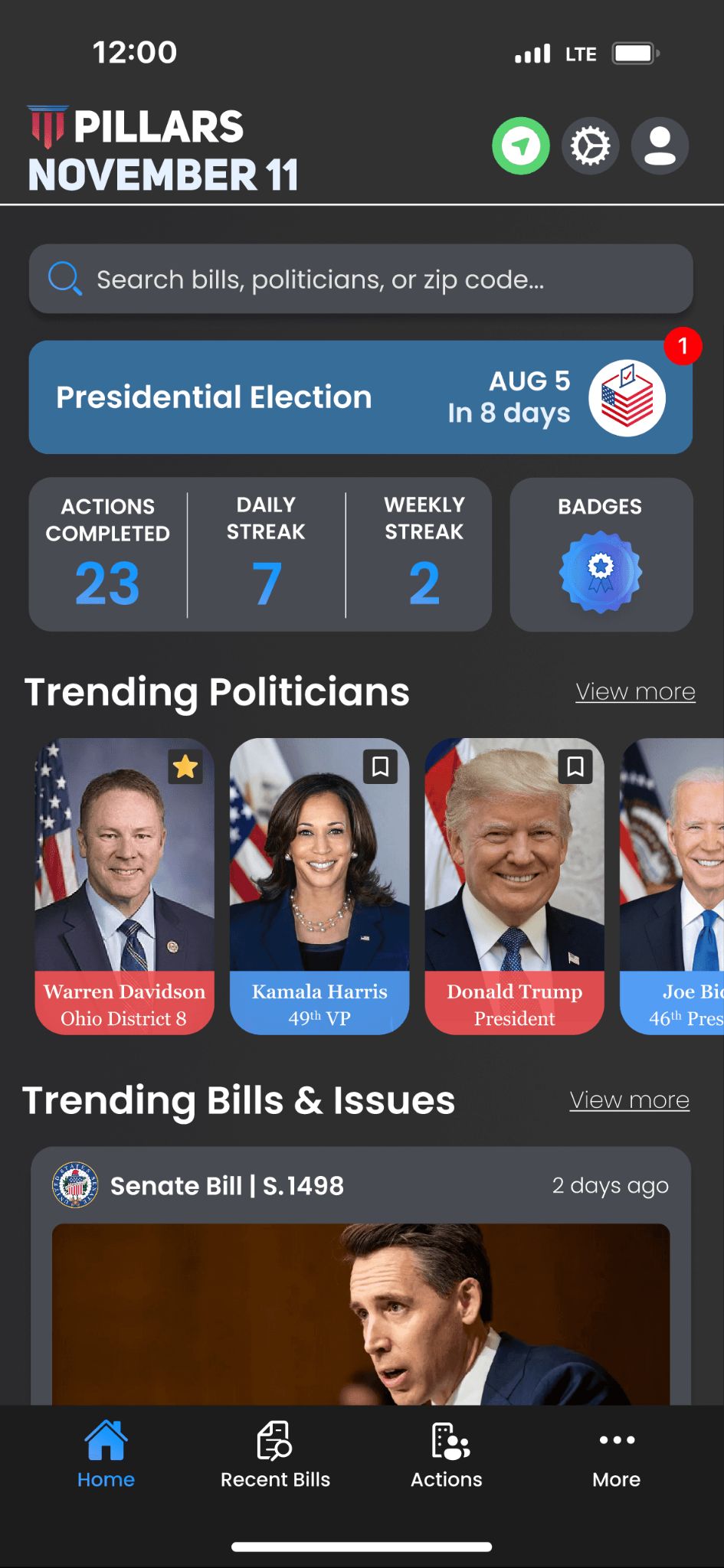
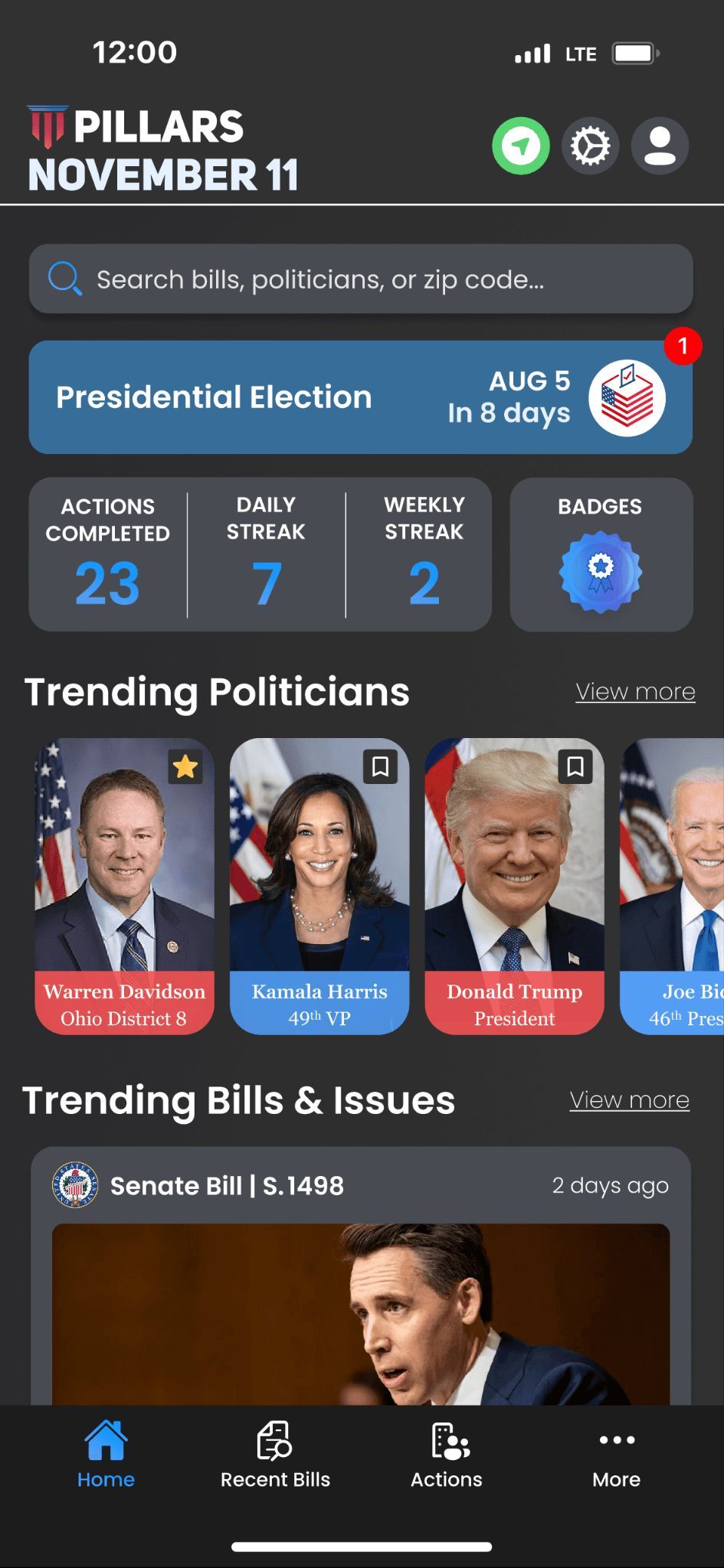
Open PILLARS and go straight to the recent bills.
You can view bills that have been introduced in Congress and see what each one is about without digging through the full text. If a bill matters to you, you’ll know fast. If it doesn’t, you move on.
2) Look at where a bill is in the process
With PILLARS, you can see whether a bill is:
Just introduced
Passed the House or the Senate
Sent to the other chamber
Getting close to becoming law
That tells you right away whether a bill is moving or just sitting there.
3) Check how your representatives voted
Once something gets voted on, the next question is simple: what did my reps do?
With PILLARS, you can pull up a bill and see how your representatives voted on it. No spin. Just the vote tied to the actual legislation.
4) Pull up your reps when you need context
If you want the bigger picture, you can open a representative profile and see:
A quick overview of who they are
Where they stand on key issues
How they’ve voted
Their financial information
All in one place.
That’s usually enough to understand whether someone’s public stance matches their track record.
The point
You don’t need to track everything in politics. You just need a quick way to check what Congress is doing and how your representatives are part of it.
Bills. Status. Votes. Profiles.
That’s the whole loop.